The Problem
Mainstream navigation apps like Google Maps are remarkably comprehensive, unless you use a wheelchair, walk with a cane, or rely on a mobility scooter. These tools routinely suggest routes with stairs, steep grades, and missing curb cuts, treating accessibility as an afterthought. Specialized accessibility apps do exist, but they tend to focus on whether a destination is accessible rather than whether the route to get there is navigable.
For people with limited mobility, the missing information isn’t a minor inconvenience; it’s the difference between a safe trip and a dangerous one. A pathway with a 15% grade or a building entrance with no ramp can turn a routine errand into an impossible task.
The Approach
This project started with ethnographic research into the daily navigation challenges faced by people with physical disabilities. The findings shaped a user-centered design process focused on one core insight: the information these users need already exists in the physical world (elevator locations, pathway slopes, step counts, surface conditions) but no mainstream tool surfaces it in a usable way.
Rather than building a standalone accessibility app that users would need to adopt alongside their existing tools, the design integrates accessibility data into a familiar mobile navigation paradigm. The app runs on standard smartphones, meeting users where they already are.
The Design
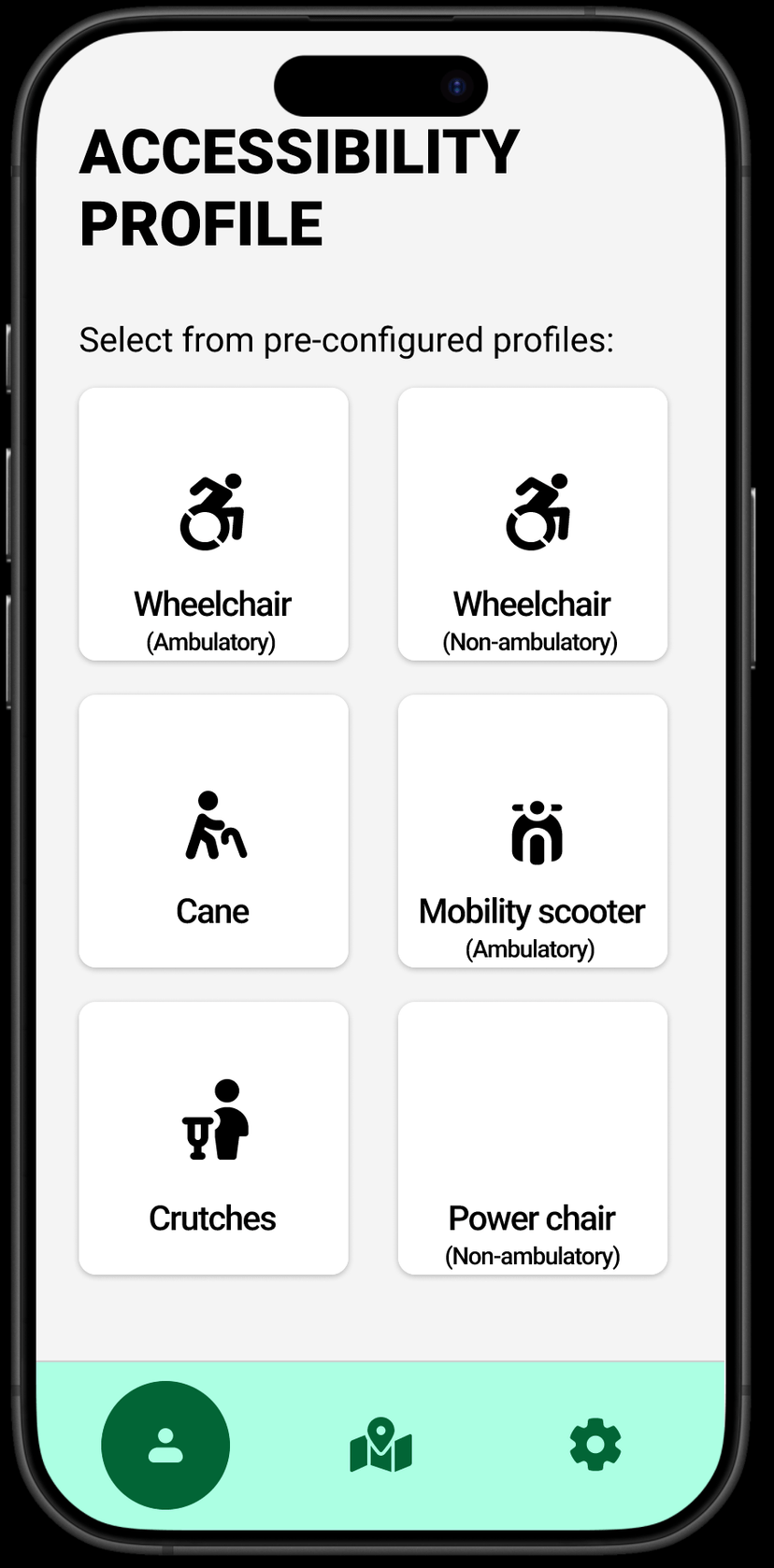
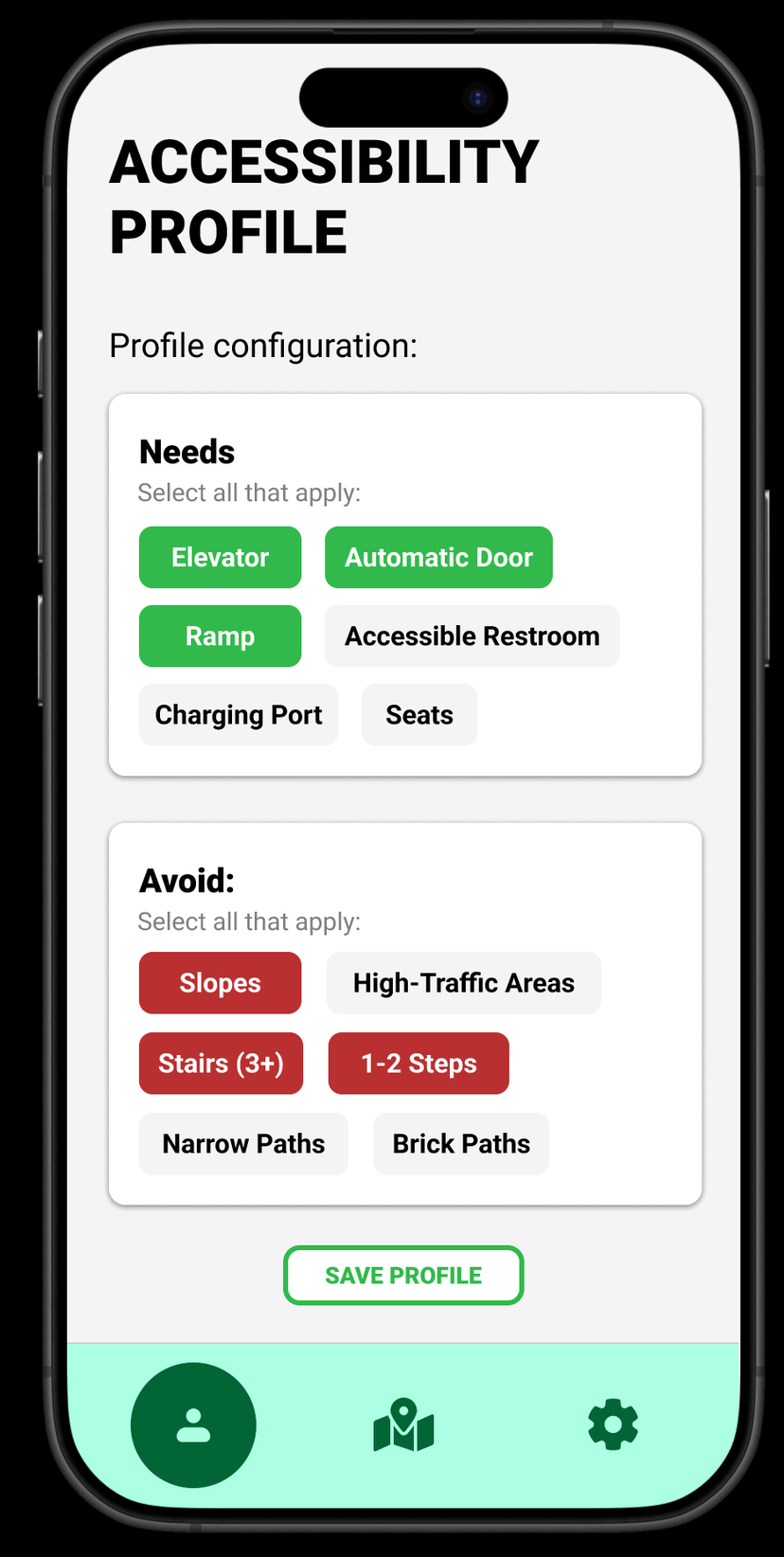
The app centers on accessibility profiles: pre-configured templates for common mobility aids (wheelchair, cane, crutches, mobility scooter, power chair) that users can further customize with specific needs and avoidances.
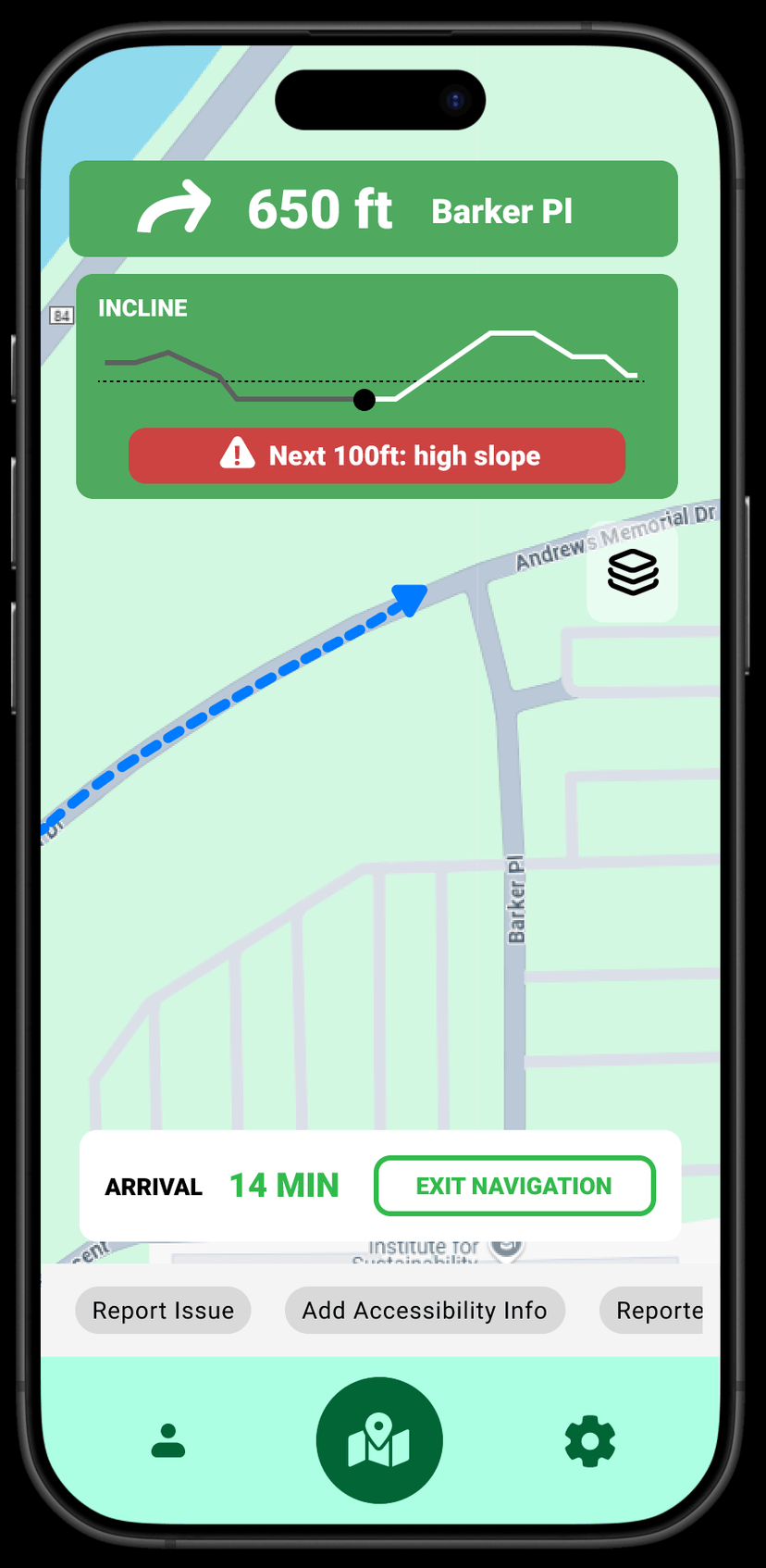
During navigation, the interface provides real-time accessibility information that mainstream apps omit: an incline profile showing the elevation change ahead, warnings for steep grades, and route timing calibrated to the user’s mobility profile rather than an assumed walking pace.
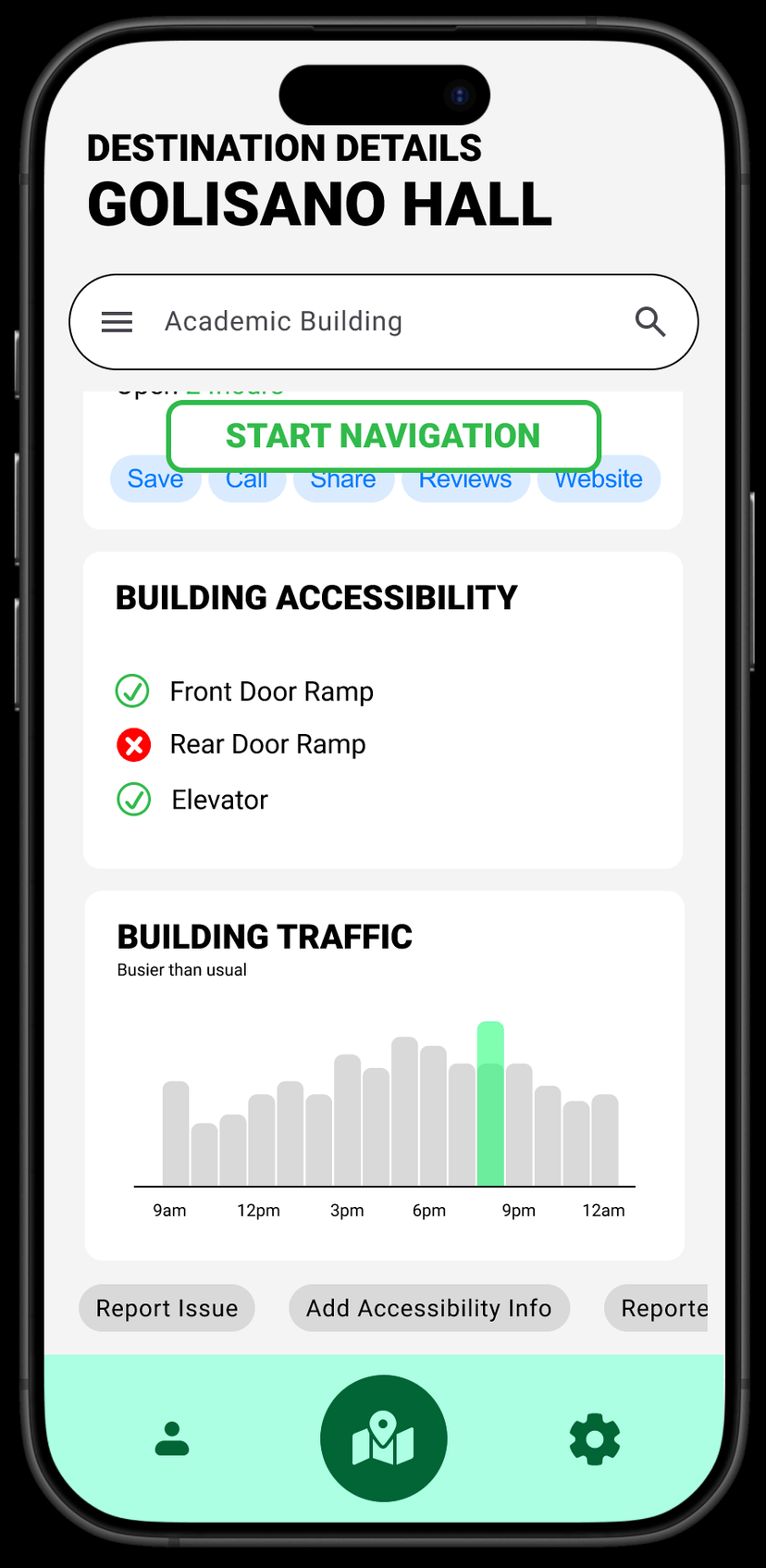
Destination pages surface building accessibility details (ramp availability, elevator locations, accessible entrances) alongside traffic patterns, so users can plan not just how to get there but when.
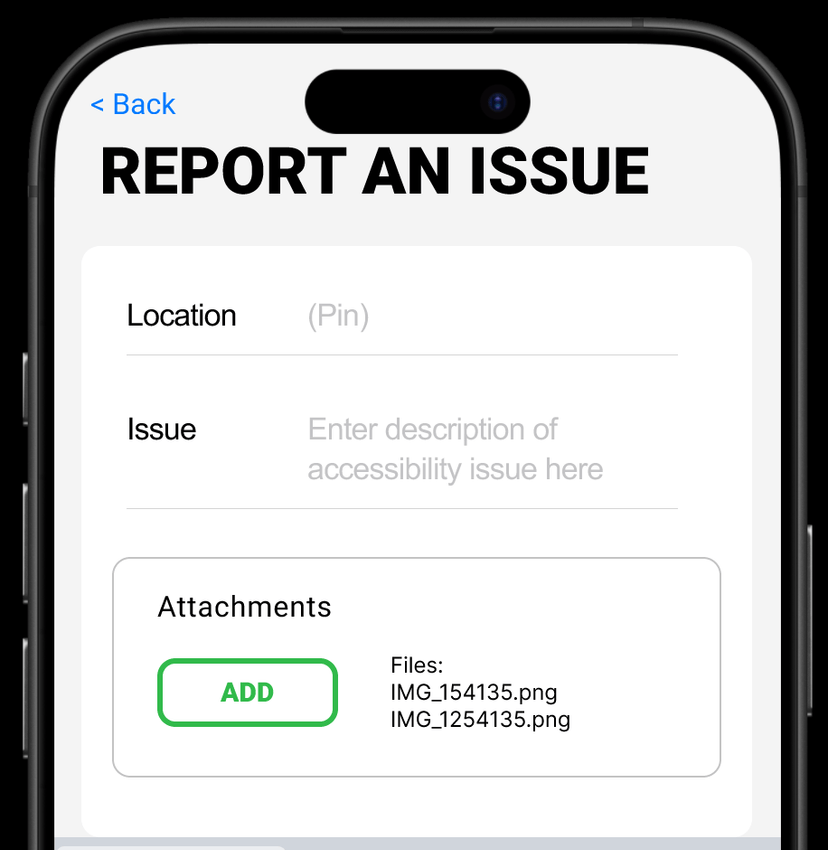
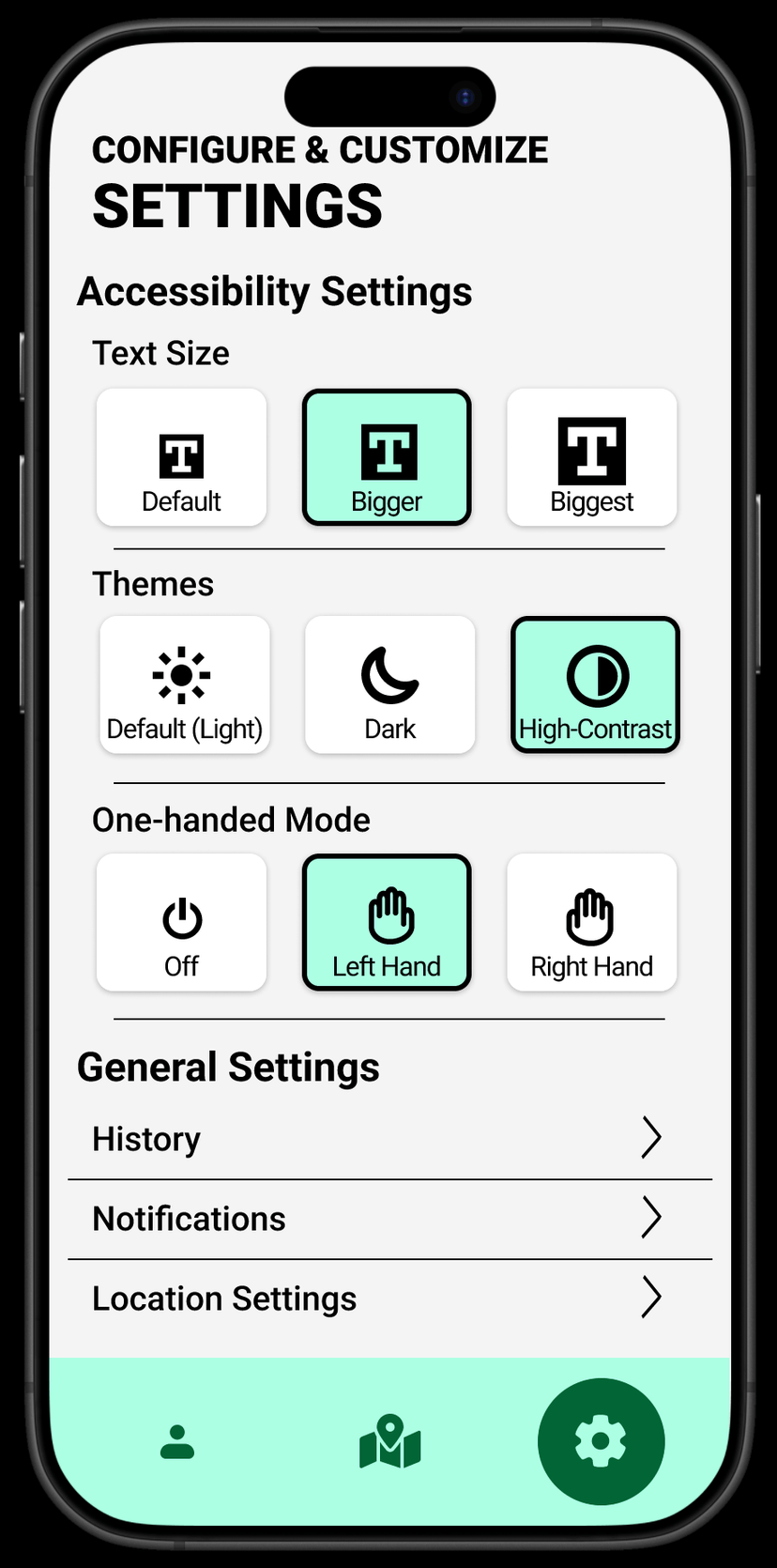
The app also includes a community reporting system where users can flag accessibility issues (a broken elevator, construction blocking a ramp, a new barrier), keeping the data current through crowdsourced updates. Settings offer text size options, a high-contrast theme, and one-handed operation mode, ensuring the app itself is accessible to its target users.
Graduate coursework, Information and Interaction Design, RIT · Fall 2024